
Icons: The Vinyl Collection
 DOWNLOAD MAC OS X ICONSDOWNLOAD MAC OS X LEOPARD ICONS
 DOWNLOAD WINDOWS ICONS
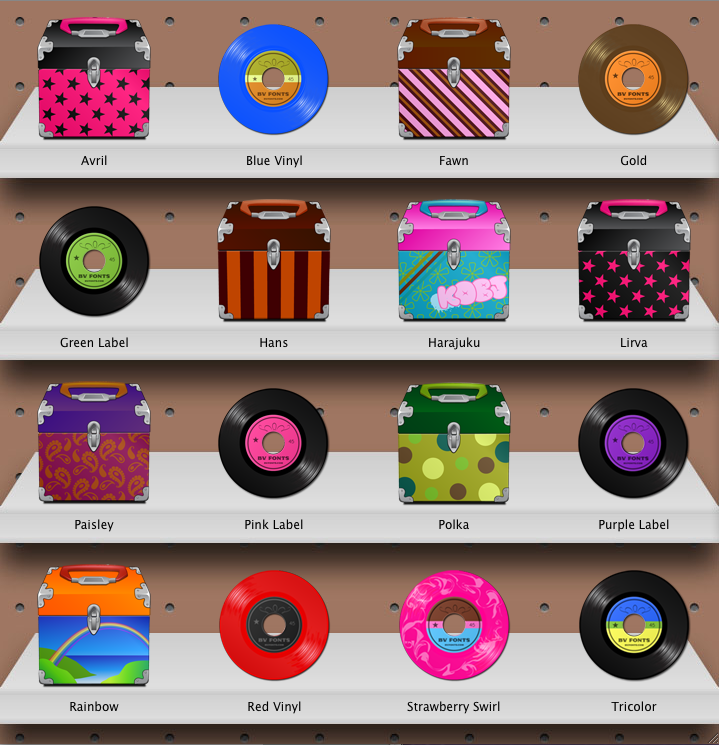
My first ever Mac OS X icons collection is here! Colorful vinyl records and vintage style record cases! 16 icons in all!
- After unzipping. Click the .dmg file and a disk image will pop up, click that and an icon menu will appear.
- Now Select the icon you would like to use.
- In the finder go to Edit> Copy "Icon Name".
- Select the item you would like to apply the icon to.
- Go to Finder> File> Get Info.
- In the Get Info window select the top icon thumbnail.
- Now go to Finder> Edit> Paste.